


Sophie
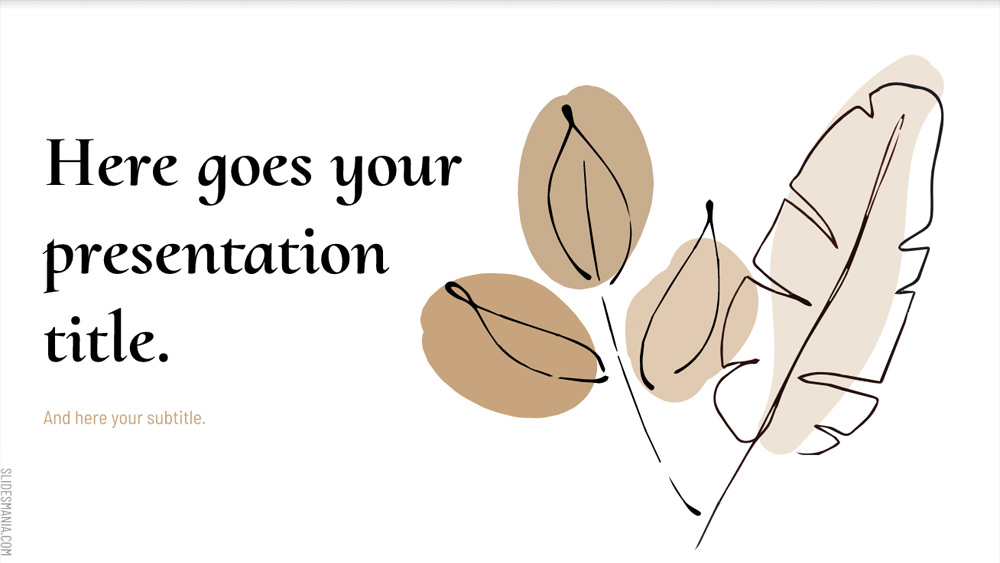


Sophie is a simple and elegant template, with a linear structure going from 1 to 10.
It has some hand-drawn graphics and soft colors, and you can use it for a meditation workshop, mindfulness or even yoga events.
It's built for 10 steps, but if you need fewer you can delete the slides you don't need and recreate the little timeline at the top to reflect the steps you need. Each step has its own large title slide and a second slide to go deeper into the topic.
It has some hand-drawn graphics and soft colors, and you can use it for a meditation workshop, mindfulness or even yoga events.
It's built for 10 steps, but if you need fewer you can delete the slides you don't need and recreate the little timeline at the top to reflect the steps you need. Each step has its own large title slide and a second slide to go deeper into the topic.
Preview
Features
- 100% editable and easy to modify
- 26 different slides
- Designed for use with Google Slides and Microsoft PowerPoint
- 16:9 widescreen format suitable for all types of screens
- Contains editable charts and maps
- 26 different slides
- Designed for use with Google Slides and Microsoft PowerPoint
- 16:9 widescreen format suitable for all types of screens
- Contains editable charts and maps
How to download the Sophie template for Powerpoint
1. On this same page, scroll down to the download block until you see the buttons.
2. Click on the button below the presentation features that says 'Download Sophie as a Free PowerPoint template'.
3. Once done it will start downloading a .pptx file that you can edit in PowerPoint.
4. If we do not have the powerpoint file we will direct you to the original source so you can download it.
5. If the fonts used in the template are not on your computer, you should download and install them for the template to display correctly. You can find the fonts in the original font link.
Source: slidesmania.com
2. Click on the button below the presentation features that says 'Download Sophie as a Free PowerPoint template'.
3. Once done it will start downloading a .pptx file that you can edit in PowerPoint.
4. If we do not have the powerpoint file we will direct you to the original source so you can download it.
5. If the fonts used in the template are not on your computer, you should download and install them for the template to display correctly. You can find the fonts in the original font link.
Source: slidesmania.com
How to download the template Sophie in Google Slides
1. Just like the powerpoint version, scroll to the bottom of the template features.
2. You can now click on the button that says 'Use Sophie as a Google Slides theme'.
3. A new window will open with a larger preview. If you want to use the template, click the Use template button in the upper right corner.
4. A copy of the document will be added to your Google Drive account and you will be able to edit, add or delete slides.
2. You can now click on the button that says 'Use Sophie as a Google Slides theme'.
3. A new window will open with a larger preview. If you want to use the template, click the Use template button in the upper right corner.
4. A copy of the document will be added to your Google Drive account and you will be able to edit, add or delete slides.