


Safety Consulting
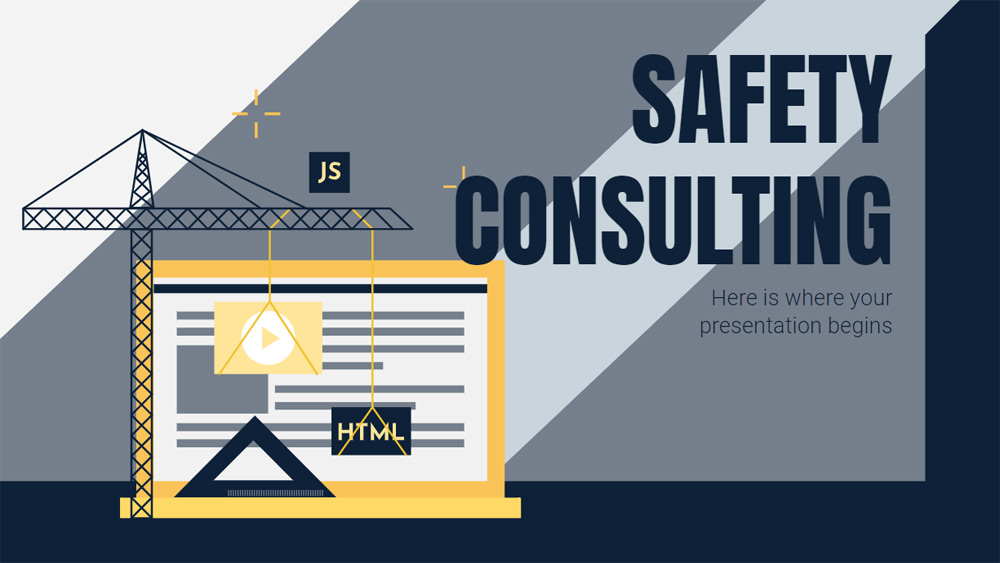


Workplace safety is a crucial aspect of any organization. It is important to be vigilant at all times and adopt safe practices to ensure a smooth operation. Enhance your presentation with our latest free template for security consulting firms.
The slides in this presentation are structured like a consulting sales pitch. Its theme is safety and construction related and as such we have integrated appropriate images, illustrations and many geometric shapes into the design. These include figures representing machinery, workers wearing hard hats and images of employees. As for color, we have opted for varying shades of blue with a dash of yellow that exudes professionalism.
The slides in this presentation are structured like a consulting sales pitch. Its theme is safety and construction related and as such we have integrated appropriate images, illustrations and many geometric shapes into the design. These include figures representing machinery, workers wearing hard hats and images of employees. As for color, we have opted for varying shades of blue with a dash of yellow that exudes professionalism.
Preview
Features
- Assertive marketing presentation with contrasting colors and solid shapes to portray competence and expertise
- 100% editable and easy to modify
- 24 different slides to impress your audience
- Contains easy-to-edit charts, maps and mockups
- Includes over 500 icons and the Flaticon extension to customize your slides
- Designed to be used in Google Slides and Microsoft PowerPoint
- 16:9 widescreen format suitable for all types of screens
- Includes information on fonts, colors and credits of free resources used
- 100% editable and easy to modify
- 24 different slides to impress your audience
- Contains easy-to-edit charts, maps and mockups
- Includes over 500 icons and the Flaticon extension to customize your slides
- Designed to be used in Google Slides and Microsoft PowerPoint
- 16:9 widescreen format suitable for all types of screens
- Includes information on fonts, colors and credits of free resources used
How to download the Safety Consulting template for Powerpoint
1. On this same page, scroll down to the download block until you see the buttons.
2. Click on the button below the presentation features that says 'Download Safety Consulting as a Free PowerPoint template'.
3. Once done it will start downloading a .pptx file that you can edit in PowerPoint.
4. If we do not have the powerpoint file we will direct you to the original source so you can download it.
5. If the fonts used in the template are not on your computer, you should download and install them for the template to display correctly. You can find the fonts in the original font link.
Source: slidesgo.com
2. Click on the button below the presentation features that says 'Download Safety Consulting as a Free PowerPoint template'.
3. Once done it will start downloading a .pptx file that you can edit in PowerPoint.
4. If we do not have the powerpoint file we will direct you to the original source so you can download it.
5. If the fonts used in the template are not on your computer, you should download and install them for the template to display correctly. You can find the fonts in the original font link.
Source: slidesgo.com
How to download the template Safety Consulting in Google Slides
1. Just like the powerpoint version, scroll to the bottom of the template features.
2. You can now click on the button that says 'Use Safety Consulting as a Google Slides theme'.
3. A new window will open with a larger preview. If you want to use the template, click the Use template button in the upper right corner.
4. A copy of the document will be added to your Google Drive account and you will be able to edit, add or delete slides.
2. You can now click on the button that says 'Use Safety Consulting as a Google Slides theme'.
3. A new window will open with a larger preview. If you want to use the template, click the Use template button in the upper right corner.
4. A copy of the document will be added to your Google Drive account and you will be able to edit, add or delete slides.