


Army Soldier
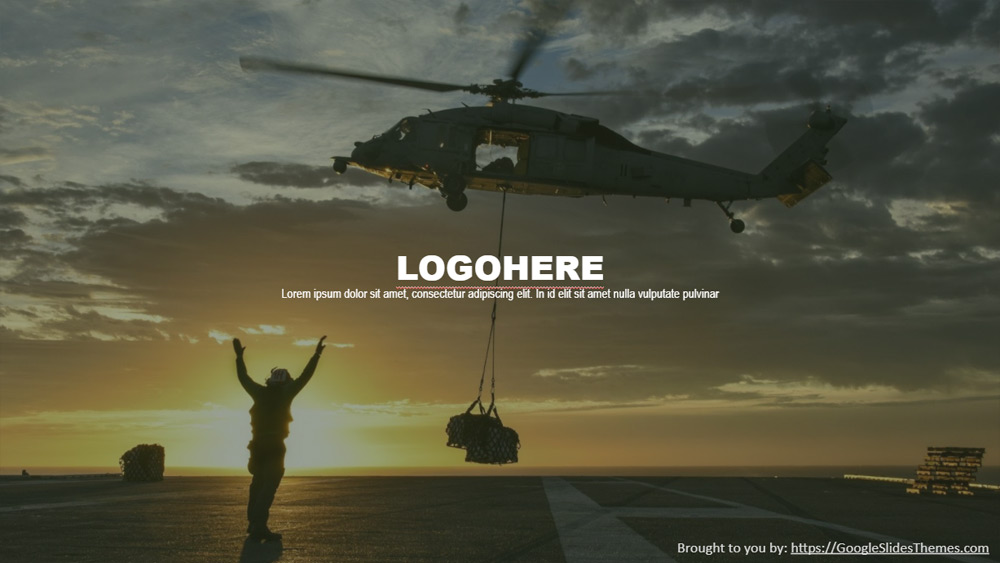


The army is the force in charge of the task of defending the homeland and its citizens. It acts in war, against its enemy. The main tasks of the army men are; to execute the national defense policy and sometimes to collaborate with their friendly nations to make them unassailable. The forces also have additional functions such as emergency services like floods, social ceremonies like censes and elections and act as a guard in non-go areas. This template is absolutely designed to cover all information related to military headquarters and can also be in cantonments. This is wonderfully decked by adding or removing related images and text on all slides. Army, navy, air force, anti-terrorist forces, special forces and all kinds of training forces. Start with the title with the force logo with the name of the mission. Another slide deck is placed in this presentation on the detail of the area that will be attacked and the cover. Image change and substitution is the key feature of this theme. The background images and the text area, both can be changed according to the content of the stories.
Preview
Features
- 100% editable and easy to modify
- 10 different slides
- Designed to be used with Google Slides and Microsoft PowerPoint
- 16:9 widescreen format suitable for all types of screens
- Contains editable charts and maps
- 10 different slides
- Designed to be used with Google Slides and Microsoft PowerPoint
- 16:9 widescreen format suitable for all types of screens
- Contains editable charts and maps
How to download the Army Soldier template for Powerpoint
1. On this same page, scroll down to the download block until you see the buttons.
2. Click on the button below the presentation features that says 'Download Army Soldier as a Free PowerPoint template'.
3. Once done it will start downloading a .pptx file that you can edit in PowerPoint.
4. If we do not have the powerpoint file we will direct you to the original source so you can download it.
5. If the fonts used in the template are not on your computer, you should download and install them for the template to display correctly. You can find the fonts in the original font link.
Source: googleslidesthemes.com
2. Click on the button below the presentation features that says 'Download Army Soldier as a Free PowerPoint template'.
3. Once done it will start downloading a .pptx file that you can edit in PowerPoint.
4. If we do not have the powerpoint file we will direct you to the original source so you can download it.
5. If the fonts used in the template are not on your computer, you should download and install them for the template to display correctly. You can find the fonts in the original font link.
Source: googleslidesthemes.com
How to download the template Army Soldier in Google Slides
1. Just like the powerpoint version, scroll to the bottom of the template features.
2. You can now click on the button that says 'Use Army Soldier as a Google Slides theme'.
3. A new window will open with a larger preview. If you want to use the template, click the Use template button in the upper right corner.
4. A copy of the document will be added to your Google Drive account and you will be able to edit, add or delete slides.
2. You can now click on the button that says 'Use Army Soldier as a Google Slides theme'.
3. A new window will open with a larger preview. If you want to use the template, click the Use template button in the upper right corner.
4. A copy of the document will be added to your Google Drive account and you will be able to edit, add or delete slides.