


Hinduism vs. Buddhism
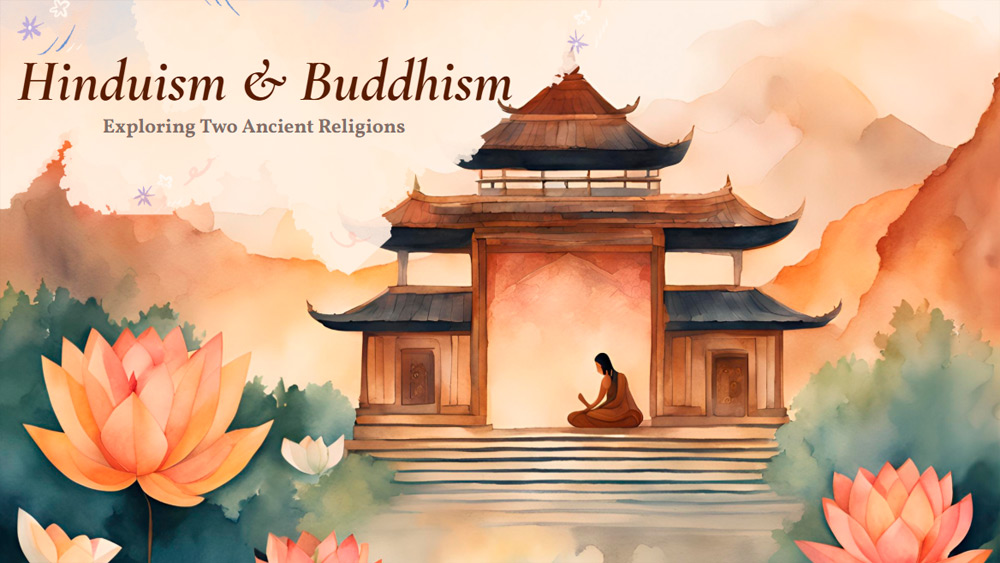


Encourage your students to explore Hinduism and Buddhism with a visually appealing presentation that uses a colorful children's storybook theme to make lessons exciting and memorable. This template, designed for use in PowerPoint or Google Slides, is especially useful for history or religion studies, as it transforms complex concepts into easily understandable content. The vibrant, multi-colored slides ensure that ancient philosophies feel relevant and interesting, while the inclusion of original synthetic images sparks the imagination and keeps students engaged. With this resource, educators can lead dynamic discussions and create a classroom environment where learning about these ancient religions becomes an enjoyable and meaningful journey for everyone.
Preview
Features
- 16 customizable slides in 16:9 format.
- Hundreds of charts, frames, and shapes.
- Slide animations and transitions included.
- Download or share in various formats.
- Hundreds of charts, frames, and shapes.
- Slide animations and transitions included.
- Download or share in various formats.
How to download the Hinduism vs. Buddhism template for Powerpoint
1. On this same page, scroll down to the download block until you see the buttons.
2. Click on the button below the presentation features that says 'Download Hinduism vs. Buddhism as a Free PowerPoint template'.
3. Once done it will start downloading a .pptx file that you can edit in PowerPoint.
4. If we do not have the powerpoint file we will direct you to the original source so you can download it.
5. If the fonts used in the template are not on your computer, you should download and install them for the template to display correctly. You can find the fonts in the original font link.
Source: slidescarnival.com
2. Click on the button below the presentation features that says 'Download Hinduism vs. Buddhism as a Free PowerPoint template'.
3. Once done it will start downloading a .pptx file that you can edit in PowerPoint.
4. If we do not have the powerpoint file we will direct you to the original source so you can download it.
5. If the fonts used in the template are not on your computer, you should download and install them for the template to display correctly. You can find the fonts in the original font link.
Source: slidescarnival.com
How to download the template Hinduism vs. Buddhism in Google Slides
1. Just like the powerpoint version, scroll to the bottom of the template features.
2. You can now click on the button that says 'Use Hinduism vs. Buddhism as a Google Slides theme'.
3. A new window will open with a larger preview. If you want to use the template, click the Use template button in the upper right corner.
4. A copy of the document will be added to your Google Drive account and you will be able to edit, add or delete slides.
2. You can now click on the button that says 'Use Hinduism vs. Buddhism as a Google Slides theme'.
3. A new window will open with a larger preview. If you want to use the template, click the Use template button in the upper right corner.
4. A copy of the document will be added to your Google Drive account and you will be able to edit, add or delete slides.