


Soft Dreams
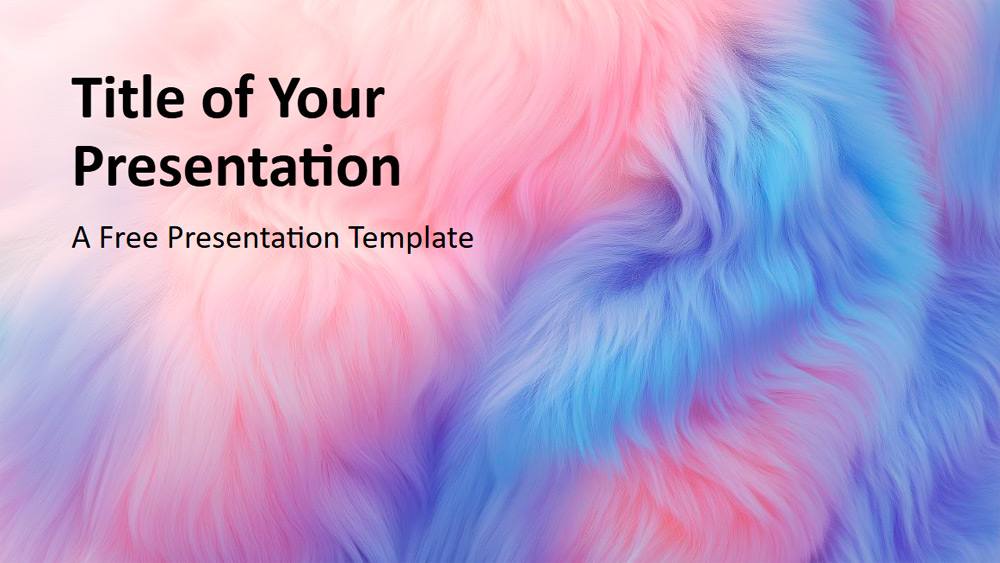


This presentation template features a soft, leather-like texture with gentle gradients in pastel shades of pink, blue, and purple, creating a tranquil and evocative atmosphere across all slides. The consistent color scheme and inviting feel make it perfect for projects requiring a warm and welcoming ambiance. It's ideal for fashion and interior designers, wellness consultants, event planners, and creative teams looking to emphasize comfort, relaxation, or a soft aesthetic. You can personalize the look by adjusting the colors or adding subtle patterns, and combining the design with images like clouds or plush materials enhances the effect. The template includes six main slides and a color and typography reference slide, designed within the Slide Template for easy editing. It offers a 16:9 widescreen format and is available for both PowerPoint and Google Slides, making it easy to use and adapt to your specific needs.
Preview
Features
- 6 slides plus one color palette slide
- Easy editing via the master template
- Placeholders for text and images
- Widescreen format
- Compatible with PowerPoint and Google Slides
- Easy editing via the master template
- Placeholders for text and images
- Widescreen format
- Compatible with PowerPoint and Google Slides
How to download the Soft Dreams template for Powerpoint
1. On this same page, scroll down to the download block until you see the buttons.
2. Click on the button below the presentation features that says 'Download Soft Dreams as a Free PowerPoint template'.
3. Once done it will start downloading a .pptx file that you can edit in PowerPoint.
4. If we do not have the powerpoint file we will direct you to the original source so you can download it.
5. If the fonts used in the template are not on your computer, you should download and install them for the template to display correctly. You can find the fonts in the original font link.
Source: presentationgo.com
2. Click on the button below the presentation features that says 'Download Soft Dreams as a Free PowerPoint template'.
3. Once done it will start downloading a .pptx file that you can edit in PowerPoint.
4. If we do not have the powerpoint file we will direct you to the original source so you can download it.
5. If the fonts used in the template are not on your computer, you should download and install them for the template to display correctly. You can find the fonts in the original font link.
Source: presentationgo.com
How to download the template Soft Dreams in Google Slides
1. Just like the powerpoint version, scroll to the bottom of the template features.
2. You can now click on the button that says 'Use Soft Dreams as a Google Slides theme'.
3. A new window will open with a larger preview. If you want to use the template, click the Use template button in the upper right corner.
4. A copy of the document will be added to your Google Drive account and you will be able to edit, add or delete slides.
2. You can now click on the button that says 'Use Soft Dreams as a Google Slides theme'.
3. A new window will open with a larger preview. If you want to use the template, click the Use template button in the upper right corner.
4. A copy of the document will be added to your Google Drive account and you will be able to edit, add or delete slides.