


Grade 8 Heat & Temperature
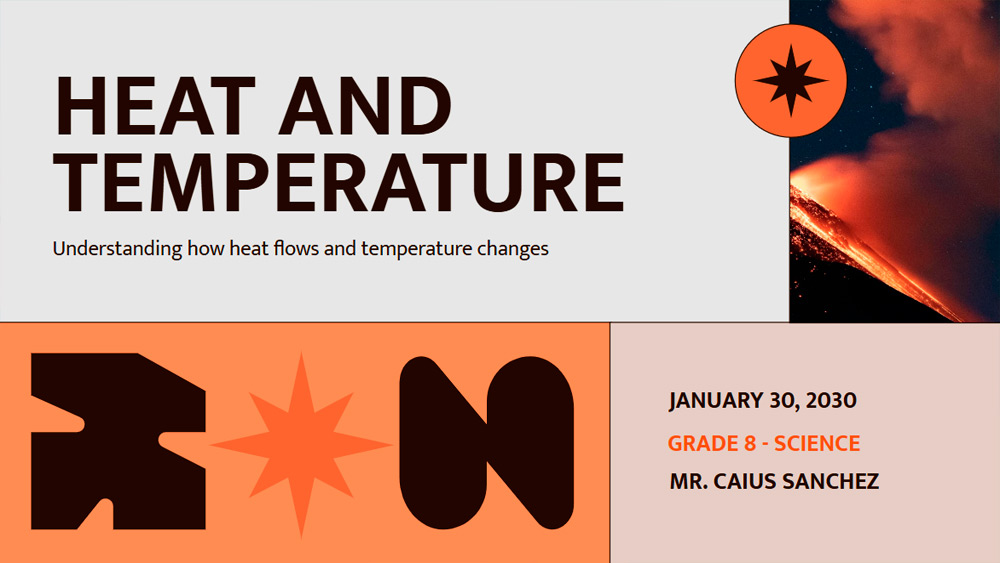


This 8th-grade science presentation template has been professionally designed to help middle school teachers deliver lessons on heat and temperature in a more engaging and effective way. Using vibrant orange and brown images and creative shapes, it breaks down important concepts such as specific heat capacity, heat transfer, and changes of state. The slides include ready-to-use content and are easy to edit, saving you preparation time without sacrificing the ability to customize the lesson to suit your objectives. Use it to reinforce student understanding and help them grasp key concepts. Its clear and well-organized structure also keeps students focused, curious, and confident as they explore the science behind everyday temperature changes.
Preview
Features
- This 8th-grade science presentation template has been professionally designed to help middle school teachers deliver lessons on heat and temperature in a more engaging and effective way. Using vibrant orange and brown images and creative shapes, it breaks down important concepts such as specific heat capacity, heat transfer, and changes of state. The slides include ready-to-use content and are easy to edit, saving you preparation time without sacrificing the ability to customize the lesson to suit your objectives. Use it to reinforce student understanding and help them grasp key concepts. Its clear and well-organized structure also keeps students focused, curious, and confident as they explore the science behind everyday temperature changes.
How to download the Grade 8 Heat & Temperature template for Powerpoint
1. On this same page, scroll down to the download block until you see the buttons.
2. Click on the button below the presentation features that says 'Download Grade 8 Heat & Temperature as a Free PowerPoint template'.
3. Once done it will start downloading a .pptx file that you can edit in PowerPoint.
4. If we do not have the powerpoint file we will direct you to the original source so you can download it.
5. If the fonts used in the template are not on your computer, you should download and install them for the template to display correctly. You can find the fonts in the original font link.
Source: slidescarnival.com
2. Click on the button below the presentation features that says 'Download Grade 8 Heat & Temperature as a Free PowerPoint template'.
3. Once done it will start downloading a .pptx file that you can edit in PowerPoint.
4. If we do not have the powerpoint file we will direct you to the original source so you can download it.
5. If the fonts used in the template are not on your computer, you should download and install them for the template to display correctly. You can find the fonts in the original font link.
Source: slidescarnival.com
How to download the template Grade 8 Heat & Temperature in Google Slides
1. Just like the powerpoint version, scroll to the bottom of the template features.
2. You can now click on the button that says 'Use Grade 8 Heat & Temperature as a Google Slides theme'.
3. A new window will open with a larger preview. If you want to use the template, click the Use template button in the upper right corner.
4. A copy of the document will be added to your Google Drive account and you will be able to edit, add or delete slides.
2. You can now click on the button that says 'Use Grade 8 Heat & Temperature as a Google Slides theme'.
3. A new window will open with a larger preview. If you want to use the template, click the Use template button in the upper right corner.
4. A copy of the document will be added to your Google Drive account and you will be able to edit, add or delete slides.