


Psychology Basics
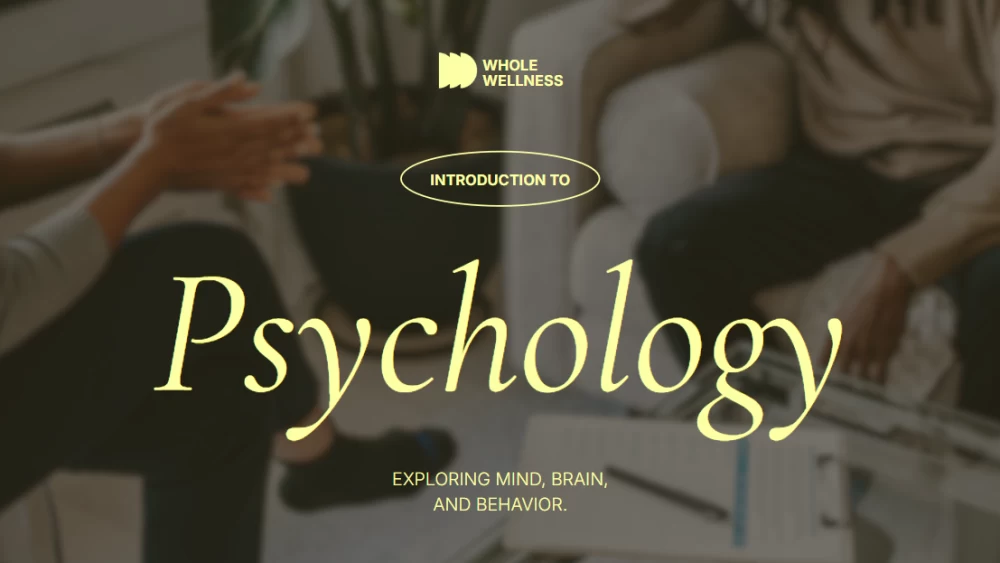


Bring your psychology classes to life with these elegant illustrated slides, designed for teachers who want to explain key ideas clearly and engagingly. The clean, minimalist design uses warm shades of brown, green, yellow, and orange to create a calm, welcoming atmosphere that supports learning. Ideal for covering theories, examples, or practical cases, this presentation helps make complex topics easier to understand and remember. It offers the perfect balance between style and simplicity, providing you with a smooth teaching experience while keeping students focused on the content. The result is a professional, visually appealing lesson that is both interesting and easy to follow.
Preview
Features
- 14 fully customizable 16:9 slides
- Hundreds of graphics, frames, lines, and shapes
- Simple animations and transitions for each slide
- Easy download and sharing in multiple formats
- Hundreds of graphics, frames, lines, and shapes
- Simple animations and transitions for each slide
- Easy download and sharing in multiple formats
How to download the Psychology Basics template for Powerpoint
1. On this same page, scroll down to the download block until you see the buttons.
2. Click on the button below the presentation features that says 'Download Psychology Basics as a Free PowerPoint template'.
3. Once done it will start downloading a .pptx file that you can edit in PowerPoint.
4. If we do not have the powerpoint file we will direct you to the original source so you can download it.
5. If the fonts used in the template are not on your computer, you should download and install them for the template to display correctly. You can find the fonts in the original font link.
Source: slidescarnival.com
2. Click on the button below the presentation features that says 'Download Psychology Basics as a Free PowerPoint template'.
3. Once done it will start downloading a .pptx file that you can edit in PowerPoint.
4. If we do not have the powerpoint file we will direct you to the original source so you can download it.
5. If the fonts used in the template are not on your computer, you should download and install them for the template to display correctly. You can find the fonts in the original font link.
Source: slidescarnival.com
How to download the template Psychology Basics in Google Slides
1. Just like the powerpoint version, scroll to the bottom of the template features.
2. You can now click on the button that says 'Use Psychology Basics as a Google Slides theme'.
3. A new window will open with a larger preview. If you want to use the template, click the Use template button in the upper right corner.
4. A copy of the document will be added to your Google Drive account and you will be able to edit, add or delete slides.
2. You can now click on the button that says 'Use Psychology Basics as a Google Slides theme'.
3. A new window will open with a larger preview. If you want to use the template, click the Use template button in the upper right corner.
4. A copy of the document will be added to your Google Drive account and you will be able to edit, add or delete slides.