


Sales Launch
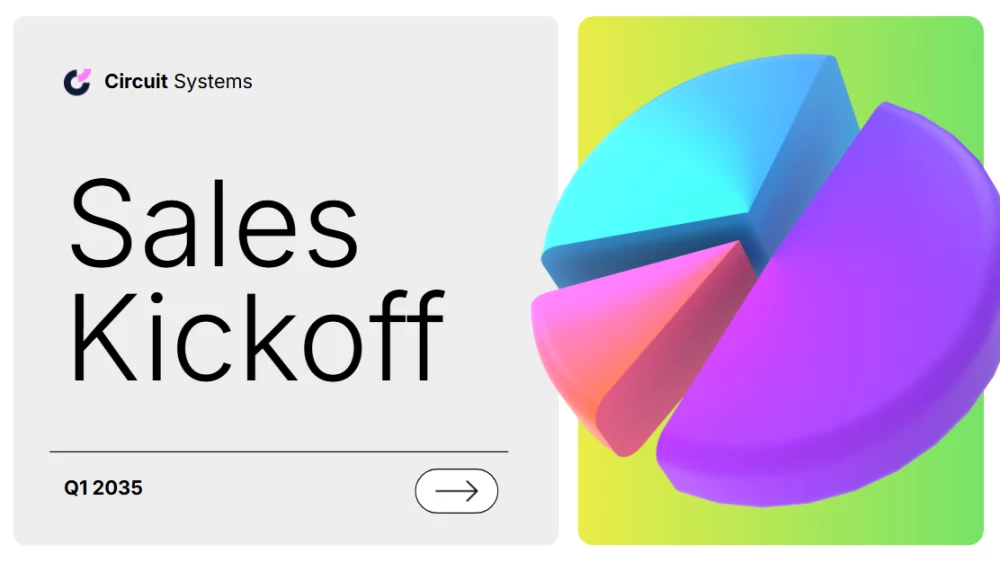


Start your sales presentation with a modern, polished design that motivates your team. This presentation in gray and green uses three-dimensional 3D images to give your message a fresh, professional feel. Share upcoming goals, celebrate recent successes, or present new strategies with clear, engaging slides that keep everyone focused. Use the template to set priorities, build momentum, and encourage your team to turn plans into action. Its elegant style is ideal for team meetings, quarterly presentations, and sales events, and will help you present key information with confidence and inspire your colleagues to work toward shared goals.
Preview
Features
- Customizable, ready-made slides in 16:9 format
- Hundreds of charts, frames, lines, and shapes
- Simple animations and transitions
- Download or share in multiple formats
- Hundreds of charts, frames, lines, and shapes
- Simple animations and transitions
- Download or share in multiple formats
How to download the Sales Launch template for Powerpoint
1. On this same page, scroll down to the download block until you see the buttons.
2. Click on the button below the presentation features that says 'Download Sales Launch as a Free PowerPoint template'.
3. Once done it will start downloading a .pptx file that you can edit in PowerPoint.
4. If we do not have the powerpoint file we will direct you to the original source so you can download it.
5. If the fonts used in the template are not on your computer, you should download and install them for the template to display correctly. You can find the fonts in the original font link.
Source: slidescarnival.com
2. Click on the button below the presentation features that says 'Download Sales Launch as a Free PowerPoint template'.
3. Once done it will start downloading a .pptx file that you can edit in PowerPoint.
4. If we do not have the powerpoint file we will direct you to the original source so you can download it.
5. If the fonts used in the template are not on your computer, you should download and install them for the template to display correctly. You can find the fonts in the original font link.
Source: slidescarnival.com
How to download the template Sales Launch in Google Slides
1. Just like the powerpoint version, scroll to the bottom of the template features.
2. You can now click on the button that says 'Use Sales Launch as a Google Slides theme'.
3. A new window will open with a larger preview. If you want to use the template, click the Use template button in the upper right corner.
4. A copy of the document will be added to your Google Drive account and you will be able to edit, add or delete slides.
2. You can now click on the button that says 'Use Sales Launch as a Google Slides theme'.
3. A new window will open with a larger preview. If you want to use the template, click the Use template button in the upper right corner.
4. A copy of the document will be added to your Google Drive account and you will be able to edit, add or delete slides.