


Sunset Gradient Rip Paper
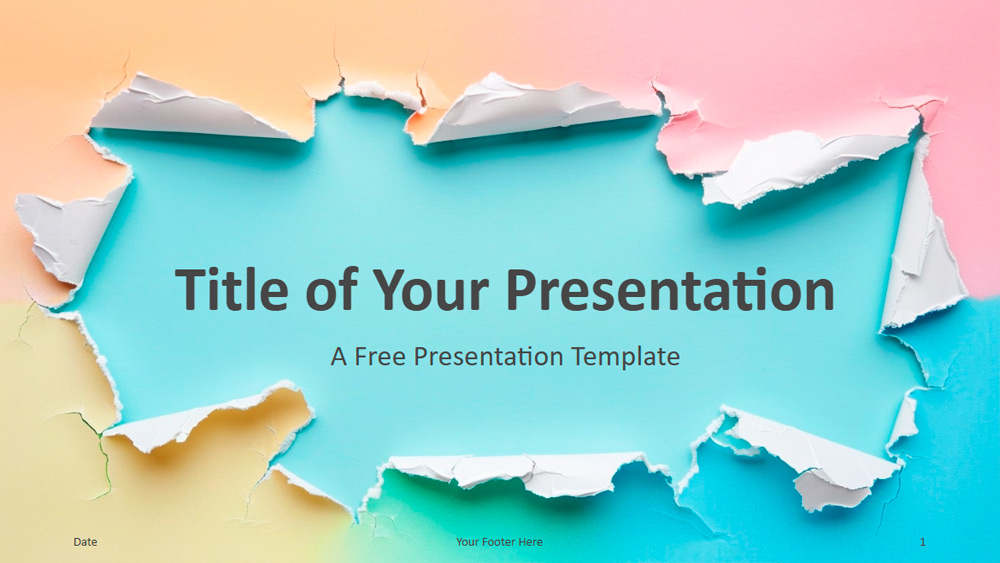


This presentation theme features soft gradients in pink, blue, yellow, and green, combined with a torn paper look that adds texture and depth. Each slide offers a different arrangement of torn edges, giving the images a creative, layered look. The soft pastel tones help create a calming and elegant atmosphere, while the smooth gradient transitions blend the colors well across all the slides. The design is highly adaptable, making it ideal for creatives, educators, or anyone looking to bring a more artistic style to their presentations, whether for professional, educational, or personal use. Customization is a breeze, as users can adjust colors, incorporate personal content, or modify visual effects as needed. The set contains six main slides, as well as a bonus slide that displays color options and font selections. Created with Slide Master, the theme makes for quick editing and includes placeholders for both text and images, including one for a contact or thank-you note. The design is ready for widescreen presentations and is compatible with both PowerPoint and Google Slides, offering a sleek and engaging way to capture the attention of any audience.
Preview
Features
- 6 slides, plus a color palette.
- Easily editable via Slide Master.
- Includes placeholders for text and images.
- Widescreen layout.
- Compatible with PowerPoint and Google Slides.
- Easily editable via Slide Master.
- Includes placeholders for text and images.
- Widescreen layout.
- Compatible with PowerPoint and Google Slides.
How to download the Sunset Gradient Rip Paper template for Powerpoint
1. On this same page, scroll down to the download block until you see the buttons.
2. Click on the button below the presentation features that says 'Download Sunset Gradient Rip Paper as a Free PowerPoint template'.
3. Once done it will start downloading a .pptx file that you can edit in PowerPoint.
4. If we do not have the powerpoint file we will direct you to the original source so you can download it.
5. If the fonts used in the template are not on your computer, you should download and install them for the template to display correctly. You can find the fonts in the original font link.
Source: presentationgo.com
2. Click on the button below the presentation features that says 'Download Sunset Gradient Rip Paper as a Free PowerPoint template'.
3. Once done it will start downloading a .pptx file that you can edit in PowerPoint.
4. If we do not have the powerpoint file we will direct you to the original source so you can download it.
5. If the fonts used in the template are not on your computer, you should download and install them for the template to display correctly. You can find the fonts in the original font link.
Source: presentationgo.com
How to download the template Sunset Gradient Rip Paper in Google Slides
1. Just like the powerpoint version, scroll to the bottom of the template features.
2. You can now click on the button that says 'Use Sunset Gradient Rip Paper as a Google Slides theme'.
3. A new window will open with a larger preview. If you want to use the template, click the Use template button in the upper right corner.
4. A copy of the document will be added to your Google Drive account and you will be able to edit, add or delete slides.
2. You can now click on the button that says 'Use Sunset Gradient Rip Paper as a Google Slides theme'.
3. A new window will open with a larger preview. If you want to use the template, click the Use template button in the upper right corner.
4. A copy of the document will be added to your Google Drive account and you will be able to edit, add or delete slides.