


Simple E-Commerce
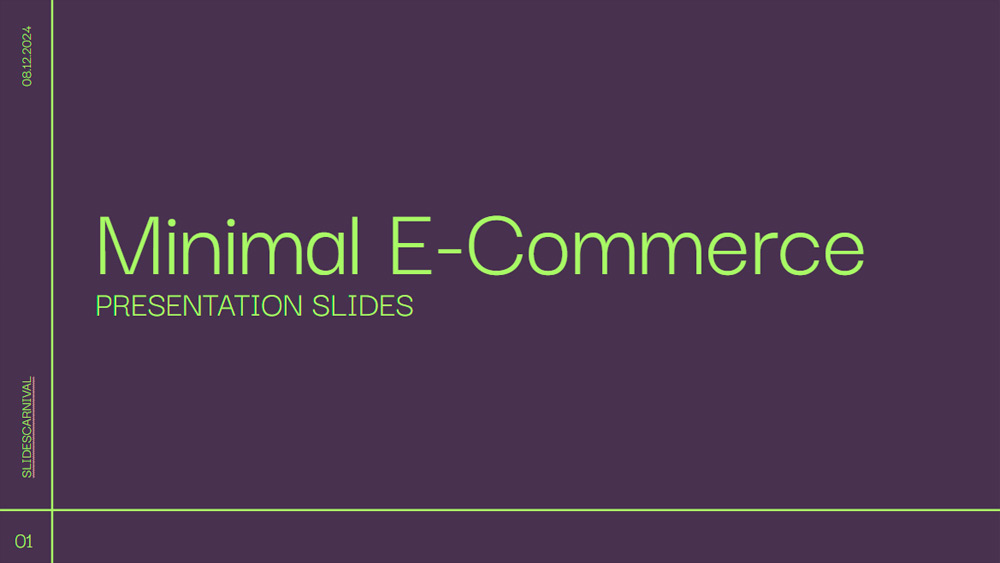


Ideal for sales professionals, this minimalist purple and green template brings a modern touch to e-commerce presentations. It's perfect for client presentations or product showcases, ensuring information is presented clearly and attractively. The design helps you highlight important data, display images effectively, and easily capture your audience's attention. Compatible with PowerPoint and Google Slides, you can use it for any presentation need. Its clean and elegant look ensures your message remains impactful, making it a valuable tool for any sales situation where professionalism and clarity are essential.
Preview
Features
- 19 fully editable 16:9 slides.
- Hundreds of charts, frames, lines, and shapes.
- Animations and transitions for each slide.
- Download or share in various formats.
- Hundreds of charts, frames, lines, and shapes.
- Animations and transitions for each slide.
- Download or share in various formats.
How to download the Simple E-Commerce template for Powerpoint
1. On this same page, scroll down to the download block until you see the buttons.
2. Click on the button below the presentation features that says 'Download Simple E-Commerce as a Free PowerPoint template'.
3. Once done it will start downloading a .pptx file that you can edit in PowerPoint.
4. If we do not have the powerpoint file we will direct you to the original source so you can download it.
5. If the fonts used in the template are not on your computer, you should download and install them for the template to display correctly. You can find the fonts in the original font link.
Source: slidescarnival.com
2. Click on the button below the presentation features that says 'Download Simple E-Commerce as a Free PowerPoint template'.
3. Once done it will start downloading a .pptx file that you can edit in PowerPoint.
4. If we do not have the powerpoint file we will direct you to the original source so you can download it.
5. If the fonts used in the template are not on your computer, you should download and install them for the template to display correctly. You can find the fonts in the original font link.
Source: slidescarnival.com
How to download the template Simple E-Commerce in Google Slides
1. Just like the powerpoint version, scroll to the bottom of the template features.
2. You can now click on the button that says 'Use Simple E-Commerce as a Google Slides theme'.
3. A new window will open with a larger preview. If you want to use the template, click the Use template button in the upper right corner.
4. A copy of the document will be added to your Google Drive account and you will be able to edit, add or delete slides.
2. You can now click on the button that says 'Use Simple E-Commerce as a Google Slides theme'.
3. A new window will open with a larger preview. If you want to use the template, click the Use template button in the upper right corner.
4. A copy of the document will be added to your Google Drive account and you will be able to edit, add or delete slides.