


Questions for AI
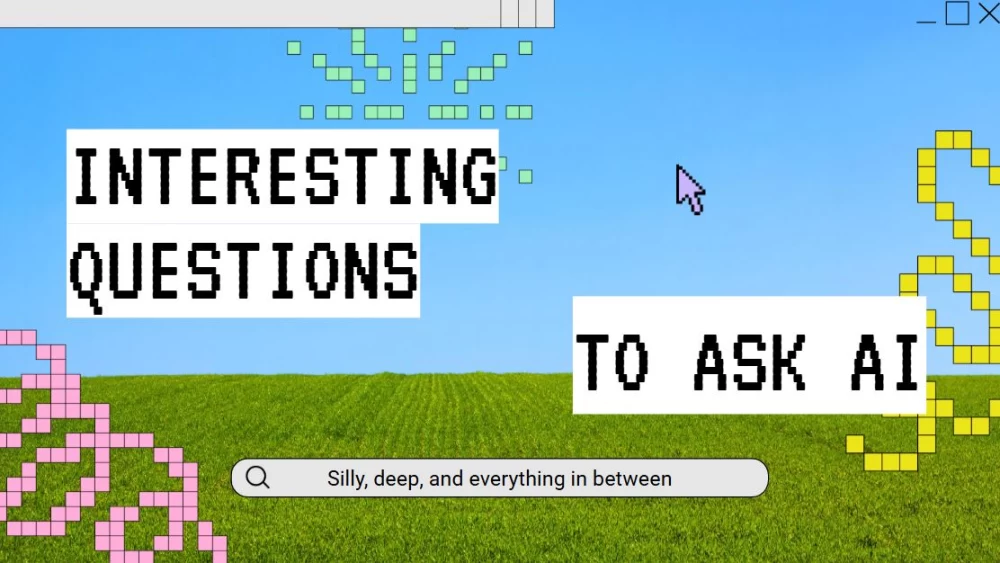


Spark curiosity with this abstract, retro-style slide template designed to explore interesting questions about AI. Its striking blue and green color scheme gives presentations a fresh, memorable look, making it ideal for tech conferences, educational workshops, team discussions, or informal brainstorming sessions. Use it to analyze the possibilities of AI, challenge preconceived ideas, and encourage meaningful conversations. The colorful design helps organize complex topics while adding personality to every slide. Whether you’re introducing artificial intelligence to beginners or inspiring experts to think differently, this template provides a creative foundation for sharing questions, ideas, and new perspectives in a clear and engaging way.
Preview
Features
- Customizable 16:9 slides, ready to use
- Hundreds of graphics, shapes, frames, and lines
- Simple animations and transitions
- Download or share in multiple formats
- Hundreds of graphics, shapes, frames, and lines
- Simple animations and transitions
- Download or share in multiple formats
How to download the Questions for AI template for Powerpoint
1. On this same page, scroll down to the download block until you see the buttons.
2. Click on the button below the presentation features that says 'Download Questions for AI as a Free PowerPoint template'.
3. Once done it will start downloading a .pptx file that you can edit in PowerPoint.
4. If we do not have the powerpoint file we will direct you to the original source so you can download it.
5. If the fonts used in the template are not on your computer, you should download and install them for the template to display correctly. You can find the fonts in the original font link.
Source: slidescarnival.com
2. Click on the button below the presentation features that says 'Download Questions for AI as a Free PowerPoint template'.
3. Once done it will start downloading a .pptx file that you can edit in PowerPoint.
4. If we do not have the powerpoint file we will direct you to the original source so you can download it.
5. If the fonts used in the template are not on your computer, you should download and install them for the template to display correctly. You can find the fonts in the original font link.
Source: slidescarnival.com
How to download the template Questions for AI in Google Slides
1. Just like the powerpoint version, scroll to the bottom of the template features.
2. You can now click on the button that says 'Use Questions for AI as a Google Slides theme'.
3. A new window will open with a larger preview. If you want to use the template, click the Use template button in the upper right corner.
4. A copy of the document will be added to your Google Drive account and you will be able to edit, add or delete slides.
2. You can now click on the button that says 'Use Questions for AI as a Google Slides theme'.
3. A new window will open with a larger preview. If you want to use the template, click the Use template button in the upper right corner.
4. A copy of the document will be added to your Google Drive account and you will be able to edit, add or delete slides.