


Festive Christmas
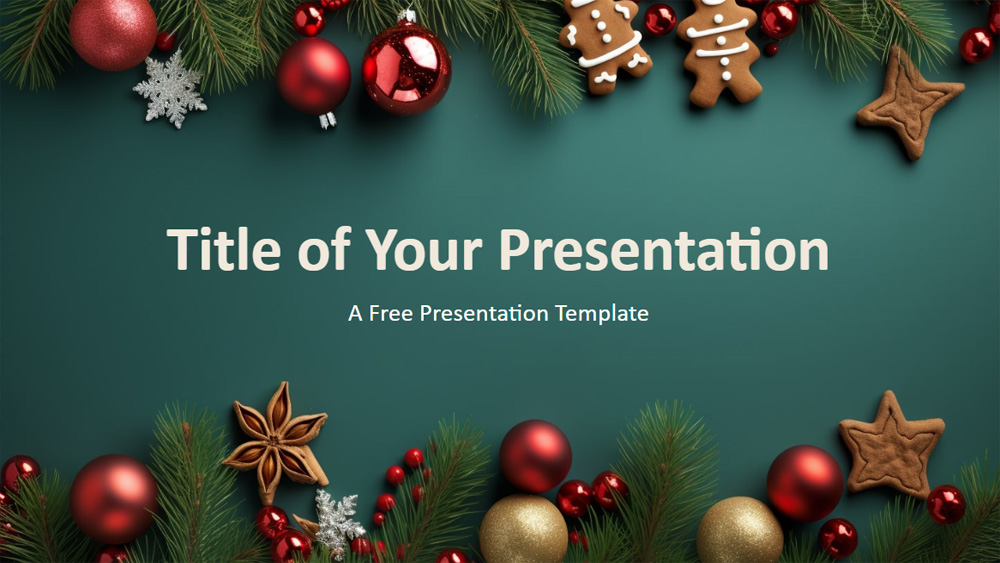


Bring holiday cheer to your presentations with this Festive Xmas Holiday template. Featuring pine branches, ornaments, and a rich teal background, it's perfect for events, lessons, or seasonal promotions. The template includes several easy-to-edit slides in widescreen format, so your message stands out on any screen. Ideal for professionals, teachers, or anyone looking to share the festive spirit—customize it to suit your needs and captivate your audience with a touch of holiday magic. Download it and start spreading joy with your presentations!
Preview
Features
- 6 slides plus a color palette slide
- Easy editing with Slide Master
- Includes placeholders for text and images
- Custom color scheme for the holidays
- Widescreen format
- Compatible with PowerPoint and Google Slides
- Easy editing with Slide Master
- Includes placeholders for text and images
- Custom color scheme for the holidays
- Widescreen format
- Compatible with PowerPoint and Google Slides
How to download the Festive Christmas template for Powerpoint
1. On this same page, scroll down to the download block until you see the buttons.
2. Click on the button below the presentation features that says 'Download Festive Christmas as a Free PowerPoint template'.
3. Once done it will start downloading a .pptx file that you can edit in PowerPoint.
4. If we do not have the powerpoint file we will direct you to the original source so you can download it.
5. If the fonts used in the template are not on your computer, you should download and install them for the template to display correctly. You can find the fonts in the original font link.
Source: presentationgo.com
2. Click on the button below the presentation features that says 'Download Festive Christmas as a Free PowerPoint template'.
3. Once done it will start downloading a .pptx file that you can edit in PowerPoint.
4. If we do not have the powerpoint file we will direct you to the original source so you can download it.
5. If the fonts used in the template are not on your computer, you should download and install them for the template to display correctly. You can find the fonts in the original font link.
Source: presentationgo.com
How to download the template Festive Christmas in Google Slides
1. Just like the powerpoint version, scroll to the bottom of the template features.
2. You can now click on the button that says 'Use Festive Christmas as a Google Slides theme'.
3. A new window will open with a larger preview. If you want to use the template, click the Use template button in the upper right corner.
4. A copy of the document will be added to your Google Drive account and you will be able to edit, add or delete slides.
2. You can now click on the button that says 'Use Festive Christmas as a Google Slides theme'.
3. A new window will open with a larger preview. If you want to use the template, click the Use template button in the upper right corner.
4. A copy of the document will be added to your Google Drive account and you will be able to edit, add or delete slides.