


Foggy Peaks
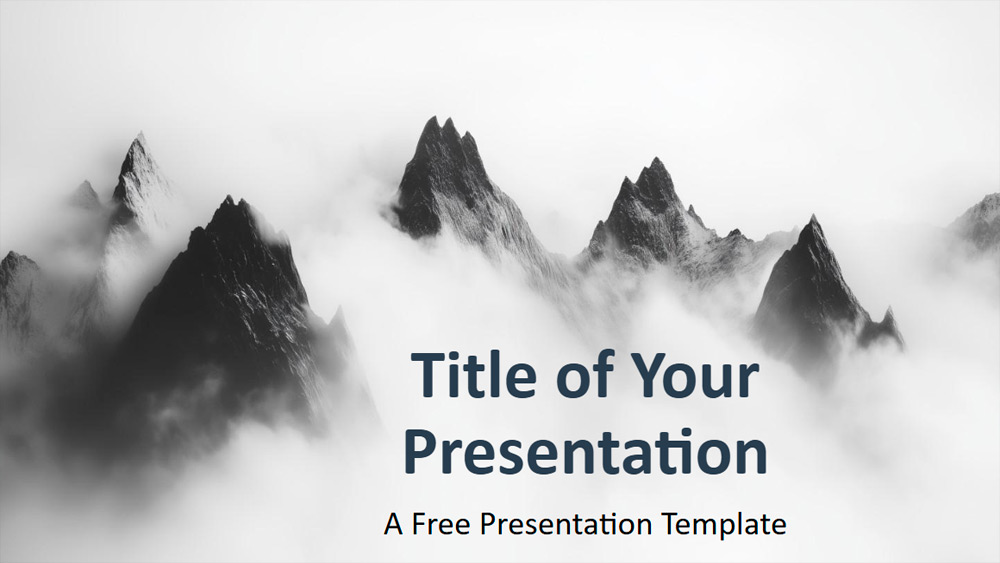


This presentation template uses grayscale images of mist-shrouded mountain ranges, offering both panoramic views and detailed close-ups of craggy peaks. The minimalist black and white color scheme creates a calm and contemplative atmosphere and highlights the striking contrast between the dark mountains and the clear mist. This clean and modern design keeps the focus on the natural beauty of the landscape, giving each slide a sense of depth and tranquility. The Misty Mountains template is suitable for many uses, such as executive reports, environmental discussions, photography portfolios, motivational talks, educational sessions, or wellness-related topics. Users can easily modify the slide layout, adjust text opacity for improved readability, and add their logo in matching tones. The set includes six master slides and a style guide slide with details on colors and fonts. It incorporates a slide master for quick editing, includes placeholders for text and images, works in landscape format, and is compatible with PowerPoint and Google Slides.
Preview
Features
- 6 slides plus a color palette slide.
- Easy editing with SlideMaster.
- Placeholders for text and images.
- Widescreen format.
- Compatible with PowerPoint and Google Slides.
- Easy editing with SlideMaster.
- Placeholders for text and images.
- Widescreen format.
- Compatible with PowerPoint and Google Slides.
How to download the Foggy Peaks template for Powerpoint
1. On this same page, scroll down to the download block until you see the buttons.
2. Click on the button below the presentation features that says 'Download Foggy Peaks as a Free PowerPoint template'.
3. Once done it will start downloading a .pptx file that you can edit in PowerPoint.
4. If we do not have the powerpoint file we will direct you to the original source so you can download it.
5. If the fonts used in the template are not on your computer, you should download and install them for the template to display correctly. You can find the fonts in the original font link.
Source: presentationgo.com
2. Click on the button below the presentation features that says 'Download Foggy Peaks as a Free PowerPoint template'.
3. Once done it will start downloading a .pptx file that you can edit in PowerPoint.
4. If we do not have the powerpoint file we will direct you to the original source so you can download it.
5. If the fonts used in the template are not on your computer, you should download and install them for the template to display correctly. You can find the fonts in the original font link.
Source: presentationgo.com
How to download the template Foggy Peaks in Google Slides
1. Just like the powerpoint version, scroll to the bottom of the template features.
2. You can now click on the button that says 'Use Foggy Peaks as a Google Slides theme'.
3. A new window will open with a larger preview. If you want to use the template, click the Use template button in the upper right corner.
4. A copy of the document will be added to your Google Drive account and you will be able to edit, add or delete slides.
2. You can now click on the button that says 'Use Foggy Peaks as a Google Slides theme'.
3. A new window will open with a larger preview. If you want to use the template, click the Use template button in the upper right corner.
4. A copy of the document will be added to your Google Drive account and you will be able to edit, add or delete slides.