


Meal Schedule
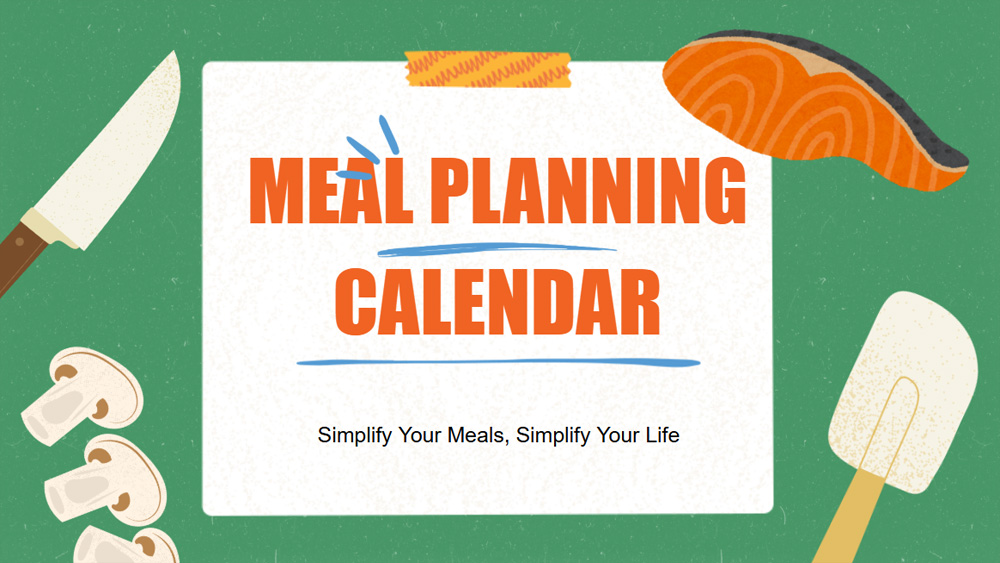


Meal planning is a breeze with this sleek and modern planner. With green and blue accents, it lets you organize your weekly menu, jot down shopping lists, and keep track of daily meals, all in one place. Ideal for busy families, fitness enthusiasts, or anyone looking to organize and track meal prep.
Preview
Features
- Includes 19 fully customizable 16:9 planning pages.
- Hundreds of charts, frames, lines, and shapes available.
- Each planning page features built-in animations and transitions.
- Easily download or share in multiple formats.
- Hundreds of charts, frames, lines, and shapes available.
- Each planning page features built-in animations and transitions.
- Easily download or share in multiple formats.
How to download the Meal Schedule template for Powerpoint
1. On this same page, scroll down to the download block until you see the buttons.
2. Click on the button below the presentation features that says 'Download Meal Schedule as a Free PowerPoint template'.
3. Once done it will start downloading a .pptx file that you can edit in PowerPoint.
4. If we do not have the powerpoint file we will direct you to the original source so you can download it.
5. If the fonts used in the template are not on your computer, you should download and install them for the template to display correctly. You can find the fonts in the original font link.
Source: slidescarnival.com
2. Click on the button below the presentation features that says 'Download Meal Schedule as a Free PowerPoint template'.
3. Once done it will start downloading a .pptx file that you can edit in PowerPoint.
4. If we do not have the powerpoint file we will direct you to the original source so you can download it.
5. If the fonts used in the template are not on your computer, you should download and install them for the template to display correctly. You can find the fonts in the original font link.
Source: slidescarnival.com
How to download the template Meal Schedule in Google Slides
1. Just like the powerpoint version, scroll to the bottom of the template features.
2. You can now click on the button that says 'Use Meal Schedule as a Google Slides theme'.
3. A new window will open with a larger preview. If you want to use the template, click the Use template button in the upper right corner.
4. A copy of the document will be added to your Google Drive account and you will be able to edit, add or delete slides.
2. You can now click on the button that says 'Use Meal Schedule as a Google Slides theme'.
3. A new window will open with a larger preview. If you want to use the template, click the Use template button in the upper right corner.
4. A copy of the document will be added to your Google Drive account and you will be able to edit, add or delete slides.