


Eden
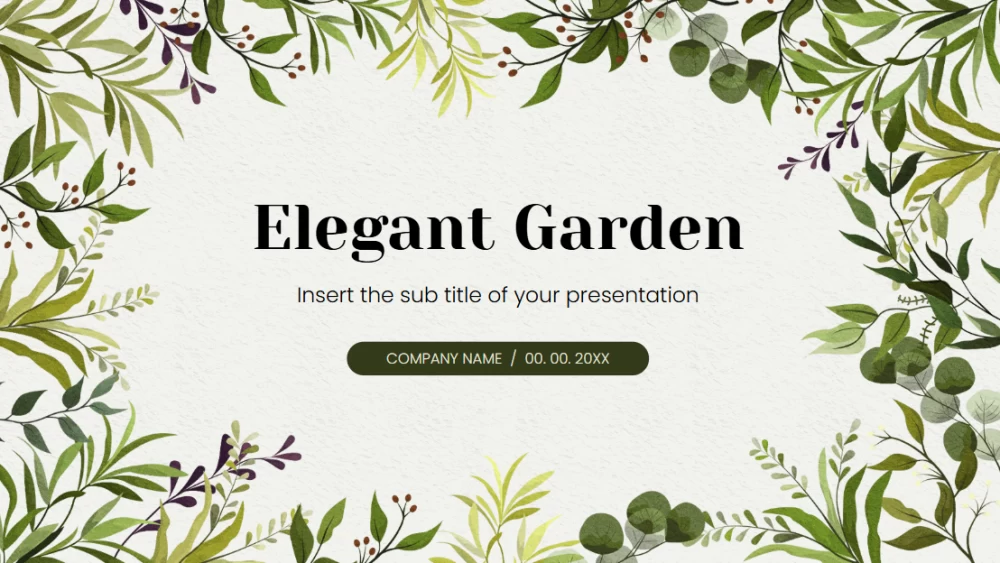


Gardening offers a relaxing way to unwind, while healthy plants bring a peaceful, decorative touch to any home. This plant-themed presentation template is ideal for plant-growing workshops, gardening classes, or promoting a gardening-related business. Botanical illustrations add warmth and personality, while a fresh palette of green tones creates a natural look throughout the design. Customize the slides to suit your topic, audience, and style, whether you want to share practical growing tips or showcase your services. Use it to refresh your presentation in Google Slides or PowerPoint, then inspire others to enjoy the rewards of gardening. Its simple design makes information clear and engaging.
Preview
Features
- 25 fully editable slides
- Customizable charts and maps
- Compatible with Google Slides and PowerPoint
- 16:9 widescreen format
- Minimalist corporate design that works with any accent color
- Examples of chart, diagram, and table styles
- Customizable charts and maps
- Compatible with Google Slides and PowerPoint
- 16:9 widescreen format
- Minimalist corporate design that works with any accent color
- Examples of chart, diagram, and table styles
How to download the Eden template for Powerpoint
1. On this same page, scroll down to the download block until you see the buttons.
2. Click on the button below the presentation features that says 'Download Eden as a Free PowerPoint template'.
3. Once done it will start downloading a .pptx file that you can edit in PowerPoint.
4. If we do not have the powerpoint file we will direct you to the original source so you can download it.
5. If the fonts used in the template are not on your computer, you should download and install them for the template to display correctly. You can find the fonts in the original font link.
Source: pptmon.com
2. Click on the button below the presentation features that says 'Download Eden as a Free PowerPoint template'.
3. Once done it will start downloading a .pptx file that you can edit in PowerPoint.
4. If we do not have the powerpoint file we will direct you to the original source so you can download it.
5. If the fonts used in the template are not on your computer, you should download and install them for the template to display correctly. You can find the fonts in the original font link.
Source: pptmon.com
How to download the template Eden in Google Slides
1. Just like the powerpoint version, scroll to the bottom of the template features.
2. You can now click on the button that says 'Use Eden as a Google Slides theme'.
3. A new window will open with a larger preview. If you want to use the template, click the Use template button in the upper right corner.
4. A copy of the document will be added to your Google Drive account and you will be able to edit, add or delete slides.
2. You can now click on the button that says 'Use Eden as a Google Slides theme'.
3. A new window will open with a larger preview. If you want to use the template, click the Use template button in the upper right corner.
4. A copy of the document will be added to your Google Drive account and you will be able to edit, add or delete slides.